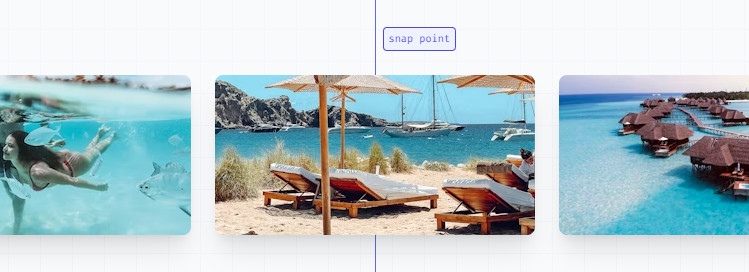
Scroll Nap Type: Build a professional Carousel with only CSS
The scroll-snap-type CSS property sets how strictly snap points are enforced on the scroll container in case there is one.
Well orchestrated scroll experiences set your experience apart from the rest, and scroll snap is the perfect way to match system scroll UX while providing meaningful stopping points.
<iframe height="500" style="width: 450px;" scrolling="no" title="Snap Align - start, center, & end" src="https://codepen.io/web-dot-dev/embed/QWVmYLv?default-tab=result&editable=true" frameborder="no" loading="lazy" allowtransparency="true" allowfullscreen="true">
See the Pen <a href="https://codepen.io/web-dot-dev/pen/QWVmYLv">
Snap Align - start, center, & end</a> by web.dev (<a href="https://codepen.io/web-dot-dev">@web-dot-dev</a>)
on <a href="https://codepen.io">CodePen</a>.
</iframe>
In TailwindCSS, there is a document about Scroll Nap Type:
https://tailwindcss.com/docs/scroll-snap-type