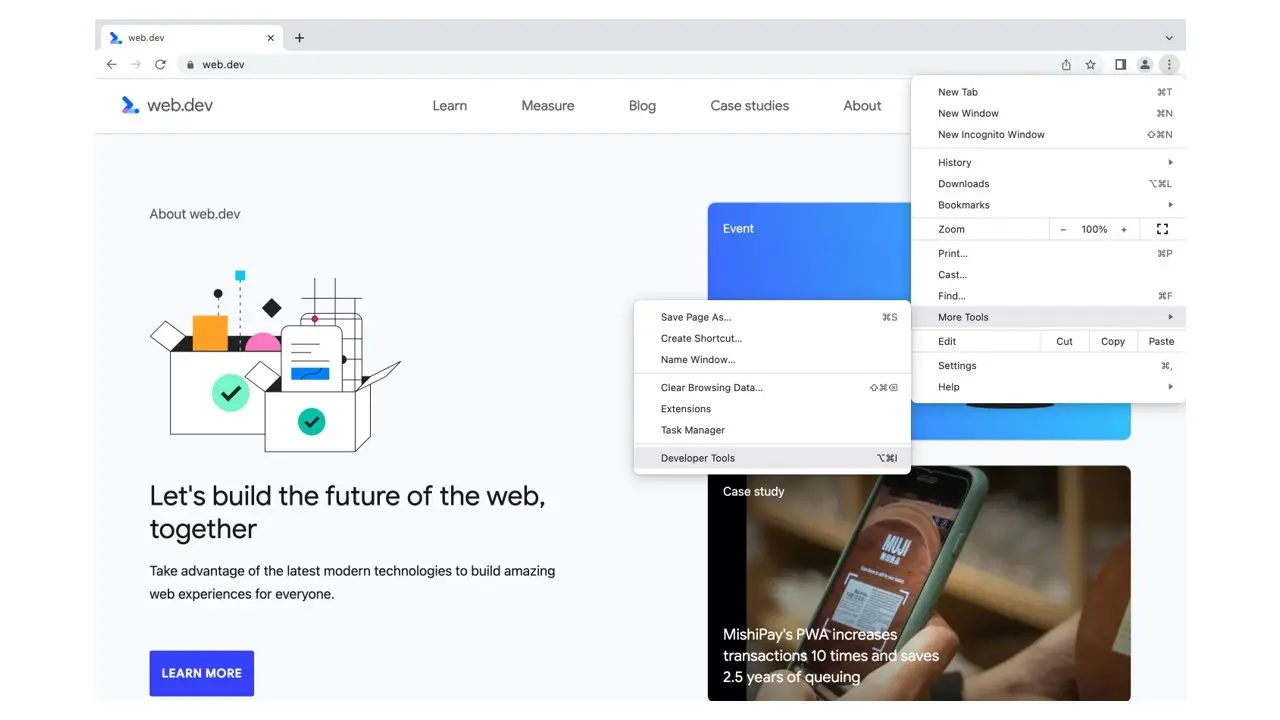
How to enable Design Mode in Chrome Dev Tool
Device Mode is a responsive design testing tool built into Google Chrome and other Chromium-based web browsers such as Microsoft Edge and Opera.
<p> The browser developer tools are incredibly powerful, with new debugging and optimisation features being added every few months. </p> <p>The following post outlines 50+ awesome tips, that you can use to supercharge your web development experience.</p> <h2>What is Design Mode</h2> <p> Design Mode is a tiny extension which puts Chrome into edit mode, allowing you to edit entire pages as though you were in an HTML editor. </p> <h2>How to enable Design Mode</h2> <p> Design Mode Enabling design mode will make the entire web page editable, just by clicking and typing. To use it, open up the console and run: </p>e console and run: </p> <pre>document.designMode="on";</pre> <p>Now you can type on any element of the webpage and change what it says.</p> <p>You can also create a bookmarklet called 'edit' with this as the URL:</p> <pre>javascript:document.body.contentEditable='true'; document.designMode='on'; void 0</pre> <p>... and click it at any time to make any page easy to edit.</p> <img src="/contents/01-design-mode.gif" alt="Design Mode" />