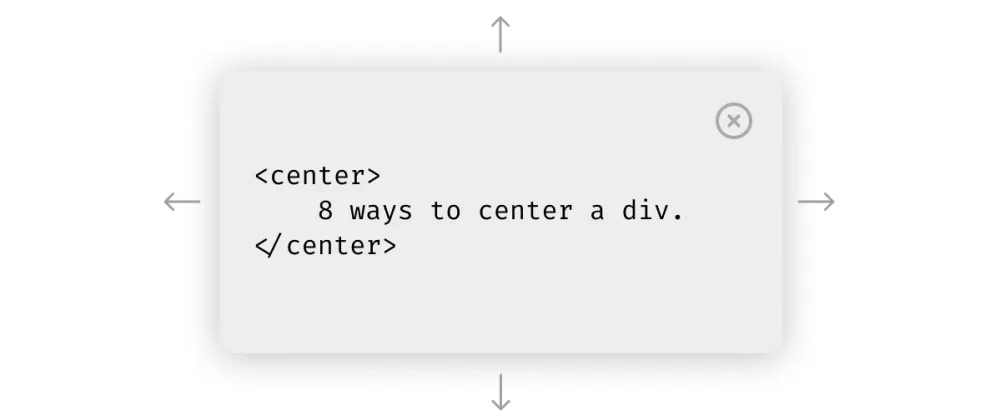
3 ways to center a Div in CSS
Have you ever gone to an interview and been asked the question: How to center a div? If you are a senior developer, are you sure that the way you are doing is best?
Centering a div has become a popular internet meme, yet even today, many software developers remain unfamiliar with all the various methods, and sometimes, with even just one. Possessing knowledge of these approaches is a valuable asset in enhancing your skill set and efficiency as a web developer.
Solution 1: Flexbox
display: flex;
justify-content: center;
align-items: center;
Example code
.container {
	width: 500px;
	height: 250px;
	margin: 50px;
	outline: solid 1px black;
	display: flex;
	justify-content: center;
	align-items: center;
}
.circle {
	width: 50px;
	height: 50px;
	border-radius: 50%;
	background-color: black;
}
Solution 2: Margin
All we've added is the margin: 0 auto; line of code to the circle class.
Example code:
.container {
  width: 500px;
  height: 250px;
  margin: 50px;
  outline: solid 1px black;
}
.circle {
width: 50px;
height: 50px;
border-radius: 50%;
background-color: black;
margin: 0 auto;
}
Solution 3: Text Align
In other to align the text in the h1 element at the center of the page, we had to use the text-align property, giving it a value of center.
Example code:
.container { width: 500px; height: 250px; margin: 50px; outline: solid 1px black; }
h1 { text-align: center; }
Conclusion
Aligning a div is a frequent task for frontend developers, and it's even gained popularity as a trending meme. Be sure to bookmark this article for quick reference whenever you find yourself needing to center a div.